📄 Paper.io Guide
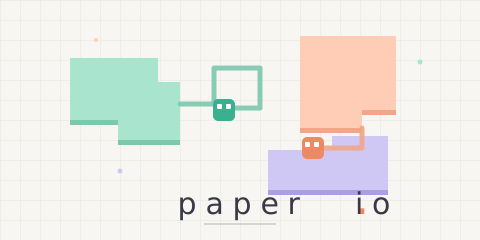
A territory game where you draw lines to grow your land. Leave your area, trail a line behind you, and return home — everything you've enclosed becomes yours. Cut other players' trails to steal their land and try to own the biggest share of the map.
Play ▶Controls
- Mouse: Your character in the middle of the screen moves toward the cursor.
- Keyboard: WASD or the arrow keys (press two at once to go diagonally).
- Mobile: Touch and drag like a joystick.
Rules
- Draw a trail outside your territory and return to it to claim the enclosed area.
- Run over another player's trail and they're out — and their land becomes yours. Crossing your own trail is safe.
- Walls stop you without hurting you, but you're out if you lose all your land or get surrounded.
- Your score is the percentage of the map you own.
- You have 2 lives — after your first defeat you can watch an ad to come back once.
Modes
- Solo: Start right away against bots.
- Online: Use Quick Start, the room list or Create Room (private rooms available) to play with up to 4 people; bots fill the empty spots.
- Skins: Choose from 10 colours × 4 patterns.
FAQ
- Is Paper.io free to play?
- Yes. It is free and runs right in your browser — no download or sign-up needed.
- Can I play Paper.io on mobile?
- Yes. It works in phone and tablet browsers with on-screen touch controls.
- How do I play Paper.io with friends?
- Tap Create Room on the room list, then send your friends the invite code or invite link to join the same room.
- Can I play Paper.io alone?
- Yes. Tap Solo to start right away — no waiting for other players.