🃏 One Card Guide
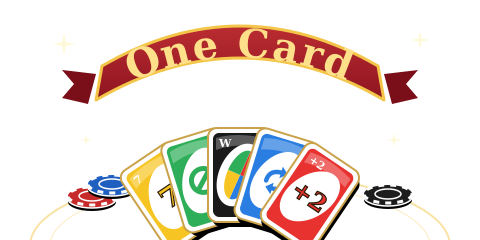
A card game where you match colours or numbers and race to empty your hand. Turn the table with Skip, Reverse, +2 and Wild cards, or play several cards of the same number at once for a combo.
Play ▶Controls
- Computer: Click a card to play it and click the deck to draw. Enter plays, Esc cancels, and keys 1–4 pick a Wild colour.
- Mobile: Tap the cards, the deck and the UNO button.
Rules
- Four players are dealt 7 cards each from a 108-card deck.
- Play a card that matches the top card's colour or number (symbol), or play a Wild. If you can't play, draw a card.
- Skip jumps the next player, Reverse flips the direction, and +2 or Wild +4 makes the next player draw.
- Press UNO before you're down to your last card — forget, and anyone can catch you for a 2-card penalty!
- The first to empty their hand wins and scores the total value of everyone else's cards.
Modes
- Solo: Play against 3 AI opponents (30 seconds per turn).
- Online: Up to 4 players, with AI in any empty seats. The host can start with 2 or more (20 seconds per turn).
FAQ
- Is One Card free to play?
- Yes. It is free and runs right in your browser — no download or sign-up needed.
- Can I play One Card on mobile?
- Yes. It works in phone and tablet browsers with on-screen touch controls.
- How do I play One Card with friends?
- Tap Create Room on the room list, then send your friends the invite code or invite link to join the same room.
- Can I play One Card alone?
- Yes. Tap Solo to start right away against AI opponents; AI also fills empty seats online.